



Latest Version
Chengdu Aibo Tech Co., Ltd.
Tools
Mac
Free
1599191594
Report a Problem
More About iBoysoft MagicMenu
The Finder Limitation Every Mac User Faces
For all its elegance, macOS has long frustrated users with its surprisingly limited context menu. Simple actions that Windows users take for granted—like quickly creating a new document or cutting and pasting files—require tedious workarounds on a Mac. This is where the iBoysoft MagicMenu Finder customizer steps in, transforming your basic right-click menu into a highly efficient command center.
What is iBoysoft MagicMenu?
Developed by Chengdu Aibo Tech Co., Ltd., this utility integrates directly into your native macOS Finder. Instead of forcing you to open separate applications or memorize complex keyboard shortcuts, it embeds essential file management actions right where your cursor is. Whether you are managing local files or organizing cloud-synced directories like iCloud, OneDrive, or Dropbox, this tool streamlines your daily workflow.
Key Features of the iBoysoft MagicMenu Finder Customizer
The utility packs an impressive suite of productivity tools into a single context menu extension. Here are the standout capabilities:
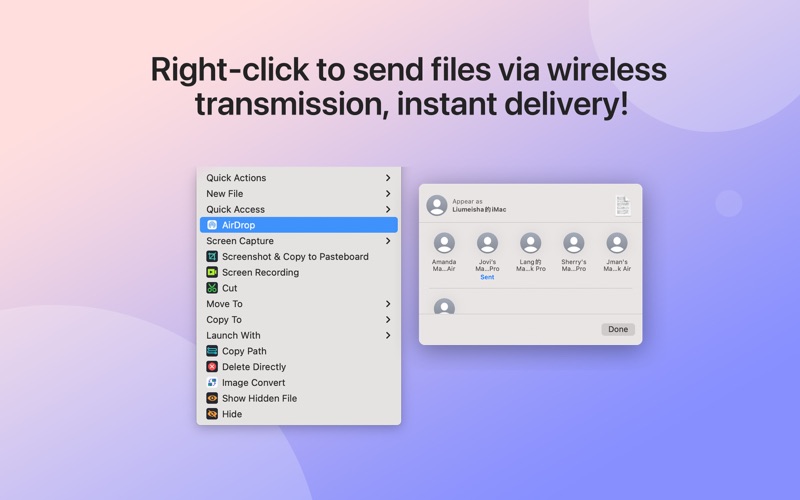
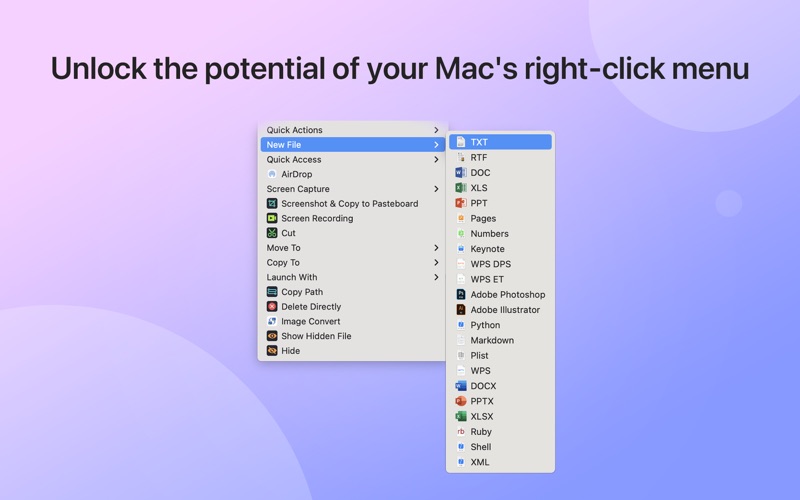
- Instant Document Creation: Right-click to generate new files instantly. It supports common formats like TXT, RTF, PDF, Word, Excel, PowerPoint, Markdown, and various code files, with the option to add your own custom templates.
- Seamless File Management: Enjoy standard "Cut and Paste" functionality, or use the "Move To" and "Copy To" options to send files to pre-configured folders in a single click.
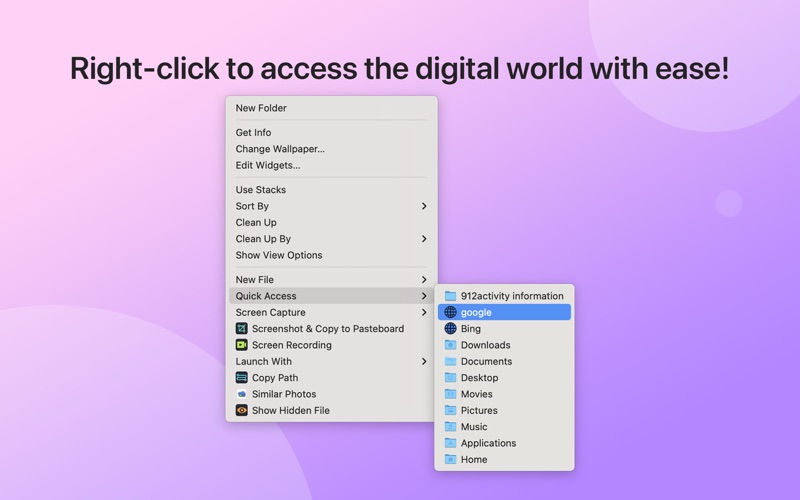
- Quick Access Controls: Pin your most-used applications, folders, web browsers, and URLs directly to your right-click panel for instant launching.
- Advanced Utility Tools: Perform quick screen captures, convert images (supporting formats like PNG, JPG, and WEBP), compress files with encryption, or securely hide sensitive folders.
- System Optimization: Identify and remove duplicate files, clean up similar photos, analyze disk space allocation, and completely uninstall unwanted applications without leaving residual files behind.
Who is This Tool For?
If you find yourself constantly dragging files across multiple Finder windows, navigating deep folder structures to launch apps, or wishing for a simpler way to start draft documents, the iBoysoft MagicMenu Finder customizer is designed for you. It is particularly valuable for developers, writers, and office professionals who demand a faster, more organized desktop experience.
Enhance Your macOS Productivity
By bridging the gap between basic Finder functionality and professional file management, this utility saves valuable time and reduces desktop clutter. To experience a highly customized and efficient workflow on your Mac, check out the official Mac App Store to explore iBoysoft MagicMenu today.
Rate the App
User Reviews















Popular Apps










Editor's Choice