

Latest Version
Anybox LTD
Tools
Mac
$1.99
6698876601
Report a Problem
More About Folder Preview
A Smarter Way to Browse Your Files
The Folder Preview Mac utility is a lightweight yet highly efficient tool designed for macOS users who want to streamline their file management. Developed by Anybox LTD, this utility integrates directly into your system to solve a common macOS limitation: the inability to peek inside directories and compressed archives using the native Quick Look feature. By bridging this gap, it allows professionals, developers, and power users to inspect the contents of their storage without constantly opening and closing new Finder windows.
Key Features of Folder Preview
This utility is built to feel like a native extension of macOS. Once enabled, it enhances your daily navigation with several practical capabilities:
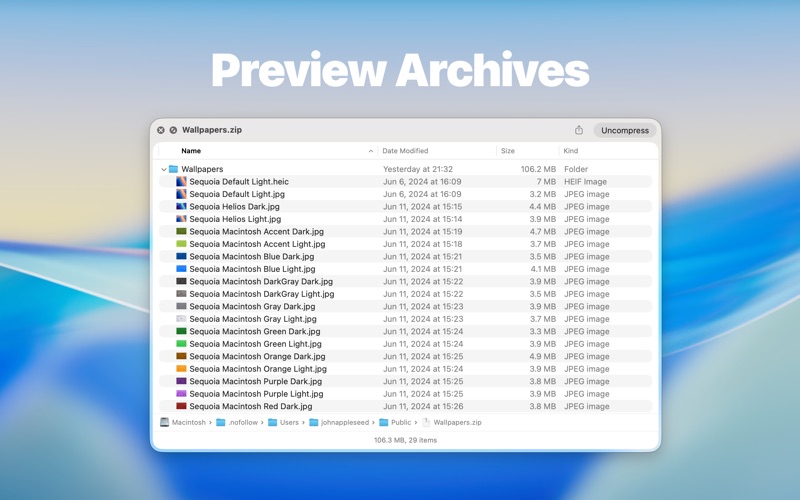
- Instant Archive Inspection: Quick Look inside popular compressed formats including ZIP, TAR, GZ, 7Z, and RAR archives.
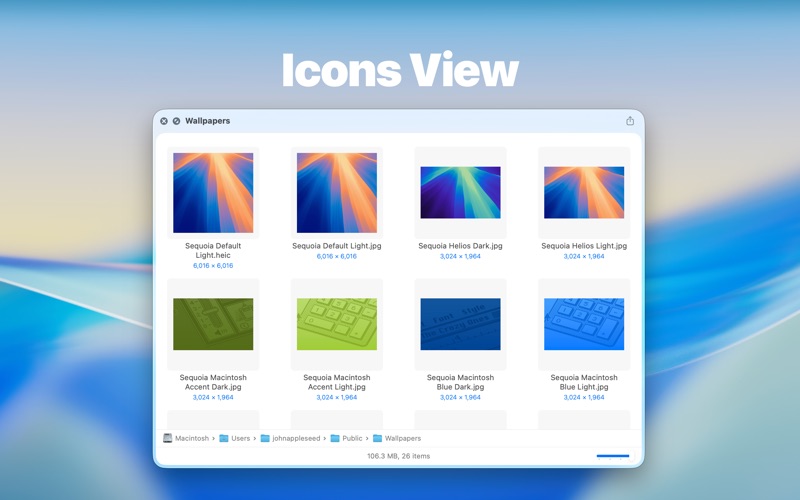
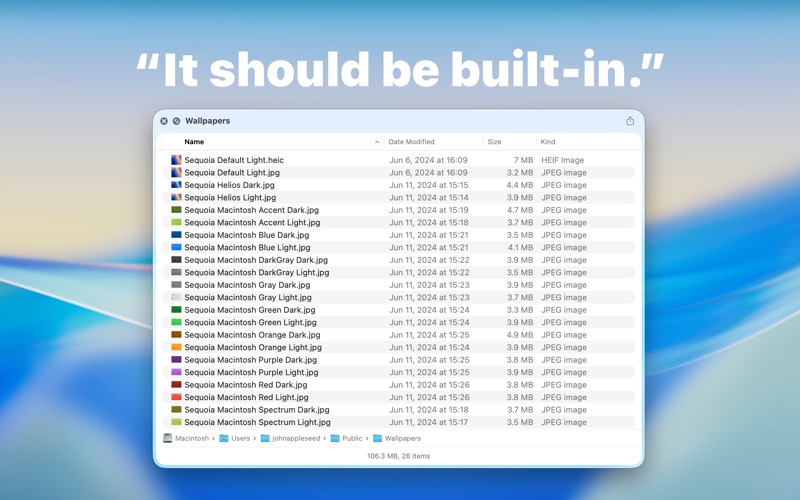
- Subdirectory Visibility: Easily browse through the hierarchy of folders directly from the preview pane.
- Visual Thumbnails: The app displays rendering previews for images, SVGs, and PDF documents stored inside your folders.
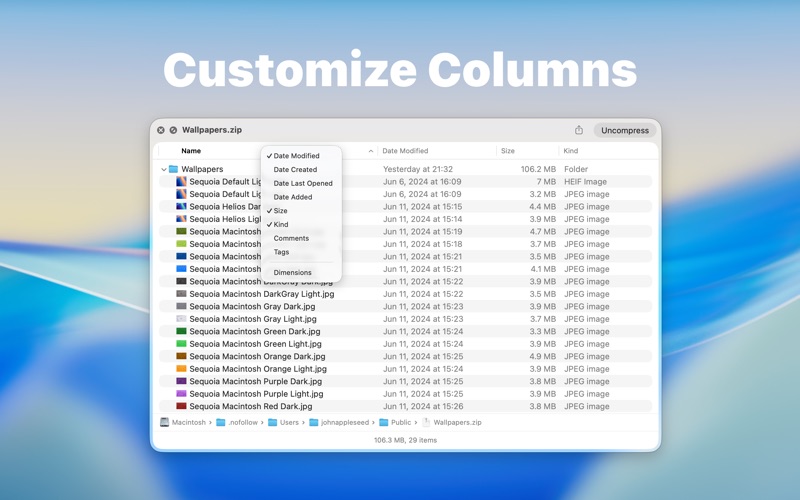
- Customizable Metadata: Right-click the column headers within the preview window to toggle visible columns and adjust details to your preference.
- Seamless System Integration: Works effortlessly using standard macOS shortcuts like the Spacebar or ⌘ + Y.
Who Benefits Most From This Tool?
If you regularly handle nested directories, downloaded archives, or large assets, the Folder Preview Mac utility is a major timesaver. Creative professionals managing SVG and PDF assets can verify file contents instantly. Developers working with compressed repositories can check archive structures without extracting them, keeping their workspaces clutter-free. It is an essential addition for anyone looking to optimize their file management speed on Mac.
How to Get Started
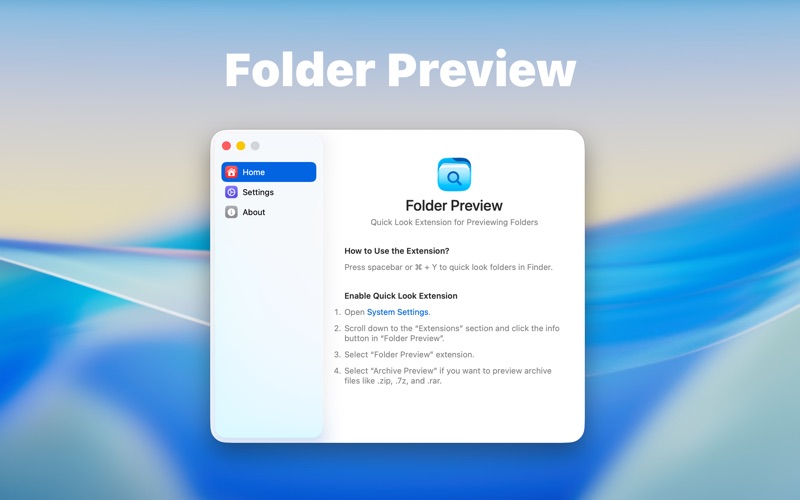
Setting up the application is straightforward. After acquiring the app, you simply need to navigate to your macOS System Settings and enable the Quick Look extension. Once activated, the tool functions automatically in Finder as well as supported third-party file management applications.
To learn more or purchase the utility, visit the official Apple App Store page via the download link below to add this capability to your Mac workflow.
Rate the App
User Reviews














Popular Apps










Editor's Choice