
Latest Version
ASCOMP Software GmbH
Tools
Windows
Free
xp9k11mfz9x9g0
Report a Problem
More About BackUp Maker - Automatic Backup
Automating Your Peace of Mind with BackUp Maker
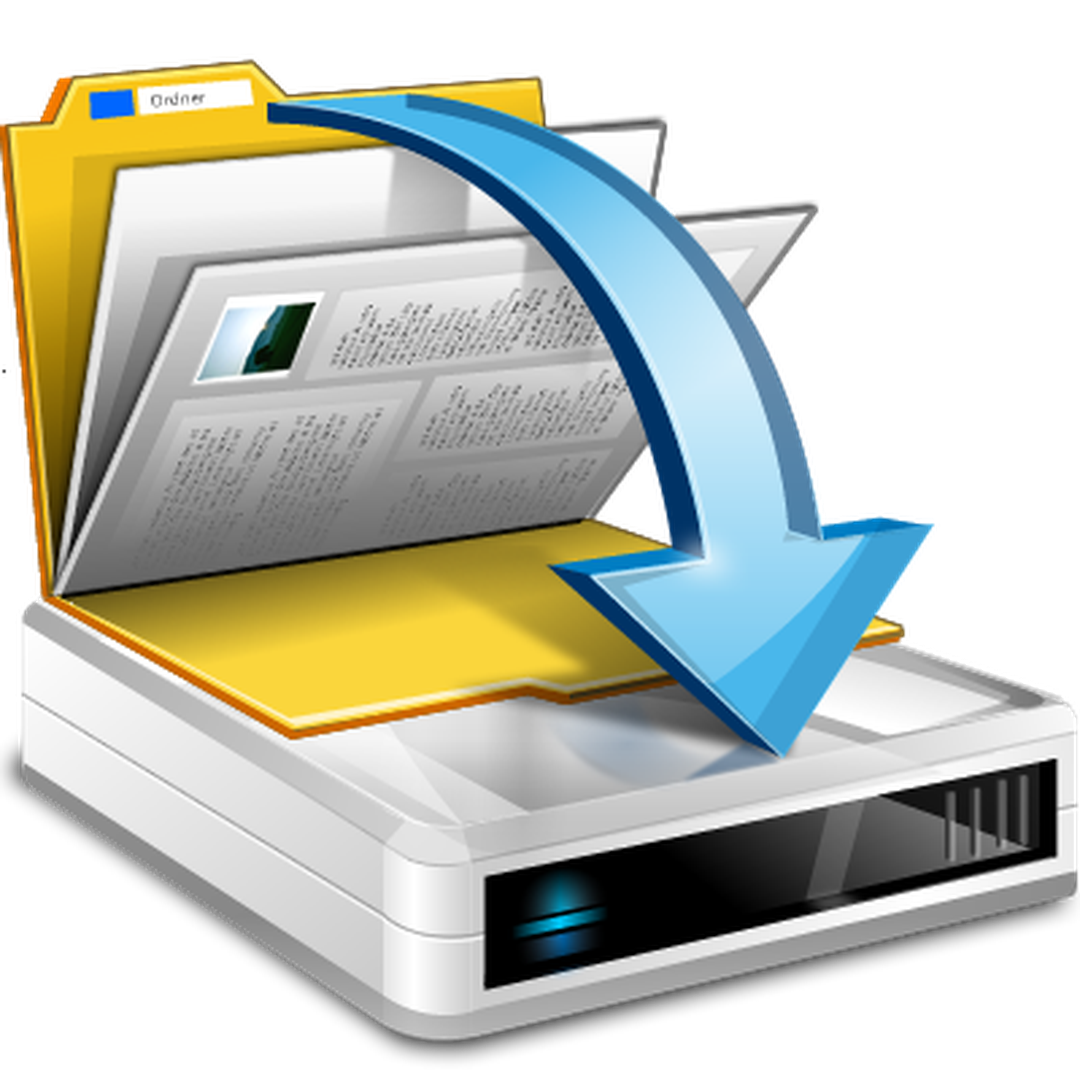
Imagine never having to worry about losing your critical business documents, family photos, or system files again. BackUp Maker - Automatic Backup by ASCOMP Software GmbH is designed to eliminate the anxiety of manual data preservation. Instead of remembering to drag and drop files to an external drive every Friday, this Windows utility runs silently in the background, executing your customized backup routines exactly when you need them to run.
Flexible Scheduling and Event-Driven Triggers
What sets this tool apart from basic file-copying utilities is its deep customization of triggers. With the BackUp Maker - Automatic Backup software, you are not restricted to simple time-based schedules. While you can easily set it to run daily or weekly, you can also configure it to trigger based on system events. For example, you can command the application to secure your data the moment you plug in a specific USB drive, or right before your computer shuts down for the evening.
Robust Security and Storage Versatility
Security is paramount when handling sensitive corporate or personal data. The utility employs military-grade AES-256 encryption to ensure that even if your storage media falls into the wrong hands, your files remain completely inaccessible to unauthorized users. Additionally, it utilizes standard ZIP compression to save precious storage space on your destination drives.
When it comes to where your files live, flexibility is key. The software supports a wide array of destinations:
- Local and external hard drives
- Network Attached Storage (NAS) systems
- Popular cloud platforms including OneDrive and Google Drive
Who Is This Windows Utility For?
Categorized under essential system tools, this application is ideal for Windows users who require a set-it-and-forget-it solution. While it is free for personal use, its robust encryption and network capabilities make it equally suitable for professional environments where data integrity cannot be compromised.
Is BackUp Maker - Automatic Backup Right for You?
If you are looking for a reliable, highly configurable utility that safeguards your digital life without slowing down your workflow, this software presents a compelling case. To explore its full interface and integration capabilities, head over to the official Microsoft App Store to review the installation requirements and see how it fits into your disaster recovery strategy.
Rate the App
User Reviews












Popular Apps










Editor's Choice